

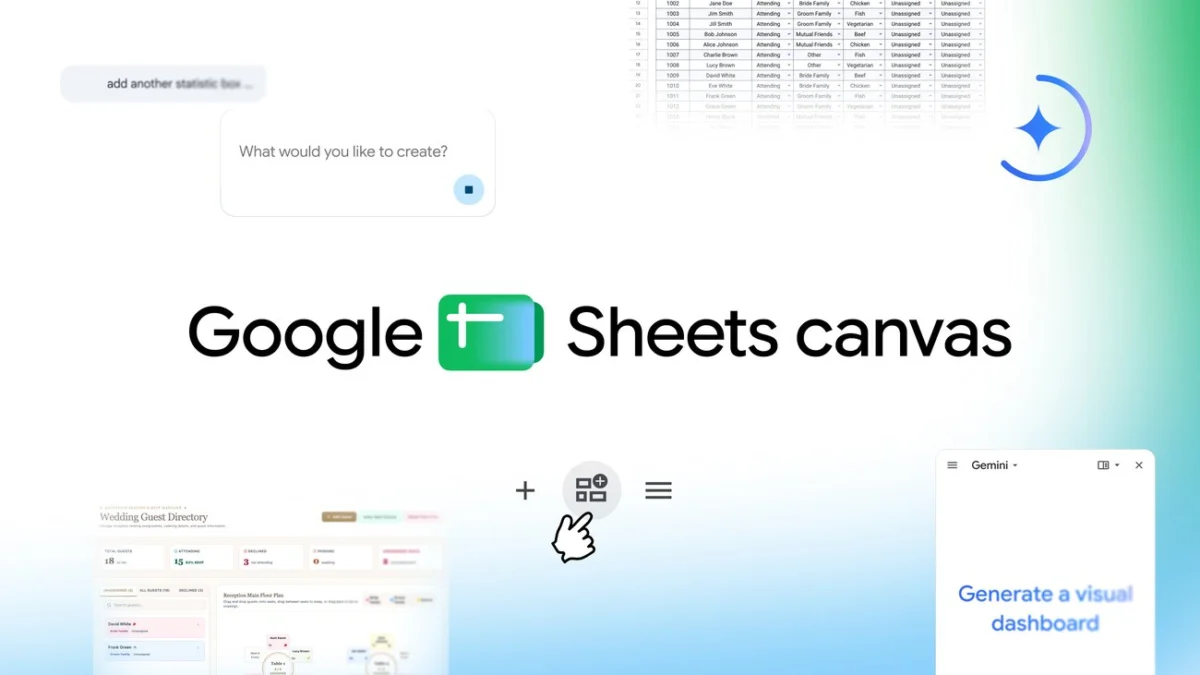
Google has officially announced the launch of Sheets canvas, a transformative feature for Google Sheets that leverages the Gemini generative artificial intelligence framework to convert traditional row-and-column data into interactive, customizable "mini-apps." This development represents a significant shift in the evolution of spreadsheet software, moving beyond the rigid grid structures that have defined the medium for over four decades. By using simple natural language prompts, users can now generate dynamic dashboards, study trackers, seating charts, and project management tools that sync in real-time with their underlying data.
The announcement, led by Eric Birnbaum, Director of Product Management for Google Sheets, highlights a strategic pivot toward "data democratization." For many users, the complexity of managing hundreds of rows of data can be a barrier to productivity. Sheets canvas aims to bridge this gap by providing a read-write visual layer that sits atop the spreadsheet, allowing for intuitive navigation and editing without requiring advanced knowledge of formulas or pivot tables.
The Evolution of the Spreadsheet: From VisiCalc to Generative AI
To understand the impact of Sheets canvas, it is necessary to look at the historical trajectory of spreadsheet software. Since the introduction of VisiCalc in 1979 and the subsequent dominance of Lotus 1-2-3 and Microsoft Excel, the fundamental user interface of the spreadsheet—a two-dimensional grid of cells—has remained remarkably consistent. While Google Sheets introduced cloud-based collaboration in 2006, the core experience remained rooted in the manual entry and manipulation of data within cells.
In recent years, the rise of "no-code" and "low-code" platforms like Airtable and Notion has challenged the traditional spreadsheet model by offering more flexible, database-driven interfaces. Google’s introduction of Sheets canvas is a direct response to this market shift. By integrating Gemini, Google’s most advanced AI model, the company is attempting to retain its massive user base—estimated at over 3 billion Workspace users—by offering the power of a custom application with the ease of a conversational prompt.
Technical Mechanics of Sheets Canvas
Sheets canvas operates as a dynamic overlay. Unlike traditional charts or graphs, which are often static representations of data, the canvas is a "read-write" environment. When a user modifies a component on the canvas—such as moving a guest to a different table in a seating chart or updating a task status in a project tracker—those changes are instantly reflected in the source cells of the spreadsheet.
The integration with Gemini allows the system to interpret intent rather than just executing rigid commands. When a user enters a prompt such as "Create a dashboard to track my freelance income and expenses by month," the AI analyzes the existing headers and data types in the sheet. It then constructs a layout featuring relevant widgets, such as progress bars, summary cards, and interactive buttons. This process significantly reduces the "time-to-insight," allowing users to focus on decision-making rather than data formatting.
Diverse Use Cases: Education, Sports, and Event Planning
Google has identified several primary sectors where Sheets canvas is expected to have an immediate impact. By providing templates and flexible layouts, the tool addresses specific pain points in both professional and personal data management.
1. Academic Management and Student Productivity
For students managing complex course loads, the transition from a list of assignments to an interactive study aid is a major utility. Sheets canvas allows students to visualize their semester through weekly views and progress trackers. By turning a deadline list into a "mini-app," students can set reminders and categorize tasks by priority or subject. This application addresses the growing demand for digital organization tools in the education sector, where students are increasingly seeking integrated solutions within the ecosystems they already use for writing and research.
2. The Professionalization of Fantasy Sports
The fantasy sports industry has grown into a multi-billion-dollar market characterized by intensive data analysis. Sheets canvas allows enthusiasts to build what Google describes as a "command center" for their rosters. Users can compare player statistics side-by-side and track performance trends through a custom dashboard. This move highlights Google’s recognition of "prosumer" users—individuals who apply professional-grade data analysis techniques to personal hobbies.
3. Logistics and Event Coordination
Event planning, particularly wedding coordination, involves high-stakes logistics and frequently changing variables. The seating chart functionality within Sheets canvas serves as a primary example of the tool’s spatial reasoning capabilities. By transforming guest RSVP data into a drag-and-drop interface, planners can manage complex arrangements visually. The real-time synchronization ensures that meal choices, dietary restrictions, and contact information remain accurate across all views, reducing the risk of administrative errors during the planning process.
Chronology of Google’s AI Integration in Workspace
The rollout of Sheets canvas is the latest milestone in a rapid series of AI updates to the Google Workspace suite. The timeline of this integration reflects an aggressive push to compete with Microsoft’s "Copilot" ecosystem:
- May 2023: Google announces "Duet AI" for Workspace at the I/O conference, introducing initial generative features for Docs and Gmail.
- December 2023: Google unveils Gemini, its next-generation model, and begins integrating it into the Workspace Labs environment.
- February 2024: Duet AI is officially rebranded as Gemini for Workspace, offering more sophisticated data analysis and content generation.
- August 2024: Sheets canvas is introduced, marking a transition from text-based AI assistance to structural and interface-based AI generation.
Market Analysis and Competitive Landscape
The introduction of Sheets canvas places Google in direct competition with specialized project management and database tools. Industry analysts suggest that by embedding these capabilities directly into Sheets, Google is attempting to minimize "app fatigue"—the friction caused by switching between different software for different tasks.
According to recent market data, the global productivity software market is expected to reach over $100 billion by 2030. A significant portion of this growth is driven by AI-enabled features. Microsoft has heavily promoted its Copilot integration in Excel, focusing on formula generation and data cleaning. Google’s approach with Sheets canvas differs by focusing on the User Interface (UI) itself, essentially allowing the AI to act as a UI designer as well as a data analyst.
Official Responses and Industry Implications
While Eric Birnbaum’s announcement focuses on user empowerment, the broader implications for the workforce are significant. By lowering the barrier to creating interactive data tools, Google is effectively enabling "citizen developers" within organizations. This could lead to a reduction in the reliance on IT departments for the creation of internal tracking tools and dashboards.
"Spreadsheets are a powerful tool for organizing and understanding data, but staring at hundreds of rows and columns can sometimes feel a bit overwhelming," Birnbaum noted. This sentiment is echoed by productivity experts who argue that the cognitive load of interpreting raw data is one of the primary hurdles to effective data-driven culture in the workplace.
However, some data privacy advocates have raised questions regarding the training of AI models on sensitive spreadsheet data. Google has countered these concerns by stating that Workspace customers’ data is not used to train its global models without explicit permission, and that Enterprise-grade security protocols remain in place for all Gemini-enabled features.
Subscription Tiers and Global Rollout
Sheets canvas is not currently available to all users. Google has adopted a tiered rollout strategy to prioritize its premium and enterprise customers:
- Individual Subscribers: The feature is available globally in English to Google AI Pro and Ultra subscribers.
- Business and Enterprise: Rollout has commenced for Google Workspace customers on Business Standard, Business Plus, Enterprise Standard, and Enterprise Plus plans.
- Education: Subscribers to the Google AI Pro for Education add-on will also receive access.
Users can access the feature by opening the "Ask Gemini" side panel within a Google Sheet and selecting the "Create canvas" option.
Conclusion: The Future of Interactive Data
The launch of Sheets canvas suggests a future where the distinction between a document, a spreadsheet, and an application continues to blur. As generative AI becomes more adept at understanding the context of data, the manual labor of formatting and interface design may become obsolete. For Google, the success of Sheets canvas will depend on user adoption and the ability of Gemini to handle increasingly complex data structures without losing accuracy. As the feature rolls out globally, it stands as a testament to the transformative power of AI in redefining the most fundamental tools of the modern digital office.
