

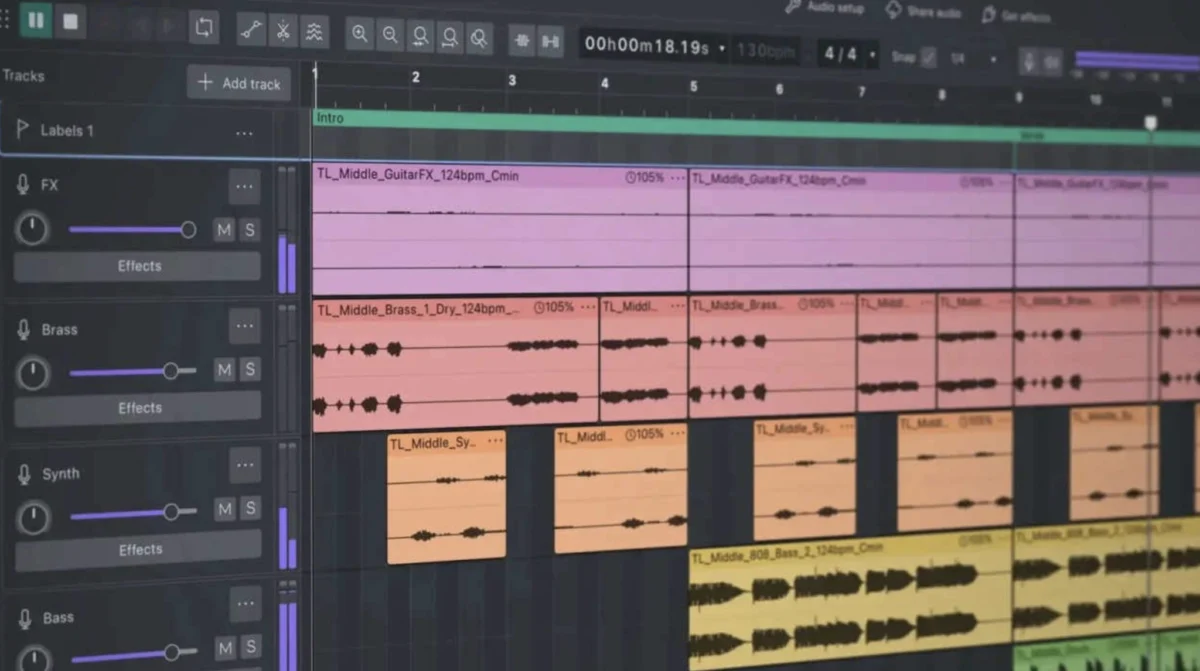
The landscape of digital audio workstations (DAWs) for voice professionals has long been dominated by paid solutions, with free alternatives often perceived as compromises laden with limitations. However, a dramatic and long-overdue transformation has occurred within the Audacity software suite, culminating in the release of Audacity 4. This significant update marks a watershed moment, repositioning the once-maligned open-source editor as a powerful, viable, and even preferable tool for voice actors and audio engineers alike. The evolution from its notoriously problematic predecessors to the polished Audacity 4 is a testament to dedicated development and a clear understanding of user needs, particularly within the demanding voiceover industry.
For years, Audacity versions prior to 4.0 were a source of considerable frustration for many users. Regular blog posts and discussions within voice acting communities frequently detailed the software’s shortcomings. These criticisms typically centered on three core areas: a visually unappealing and inefficient user interface, a significant and often alarming consumption of disk space, and persistent issues with bugs, crashes, and overall instability. These factors combined to create a workflow that was not only cumbersome but also unreliable, leading many to advise against its use for professional audio production.
The visual presentation of earlier Audacity versions was a recurring point of contention. Described as resembling interfaces from the mid-1990s, the UI was often characterized as clunky and visually jarring. This aesthetic deficiency translated into practical usability issues. The low-resolution and jagged appearance of waveforms made it exceptionally difficult to accurately identify and isolate subtle audio artifacts such as mouth clicks, plosives, or unwanted breaths. This lack of visual clarity in editing, especially when attempting precise audio manipulation, was likened to performing delicate surgery with inadequate tools. For voice actors who rely on meticulous editing to deliver polished performances, this was a significant impediment.
Beyond the visual, the storage management of older Audacity versions was a particularly notorious problem. Users frequently reported that project files would balloon in size disproportionately to the amount of audio being edited. Even a simple two-minute audition recording, with minimal edits, could lead to Audacity consuming gigabytes of temporary data and unnecessary disk space in the background. This "disk space black hole" effect was not only wasteful but also posed a practical challenge for users with limited storage capacity, often forcing frequent clean-ups and potentially leading to data loss if not managed carefully.
Perhaps the most damaging aspect of previous Audacity iterations was their inherent instability. Random crashes, data corruption, and bizarre audio driver conflicts were common occurrences. For new voice actors trying to establish a reliable recording and editing workflow, these issues could be profoundly discouraging, leading to lost work, wasted time, and a steep learning curve compounded by technical unreliability. The effort required to troubleshoot and maintain a stable environment often outweighed the benefits of a free software solution.
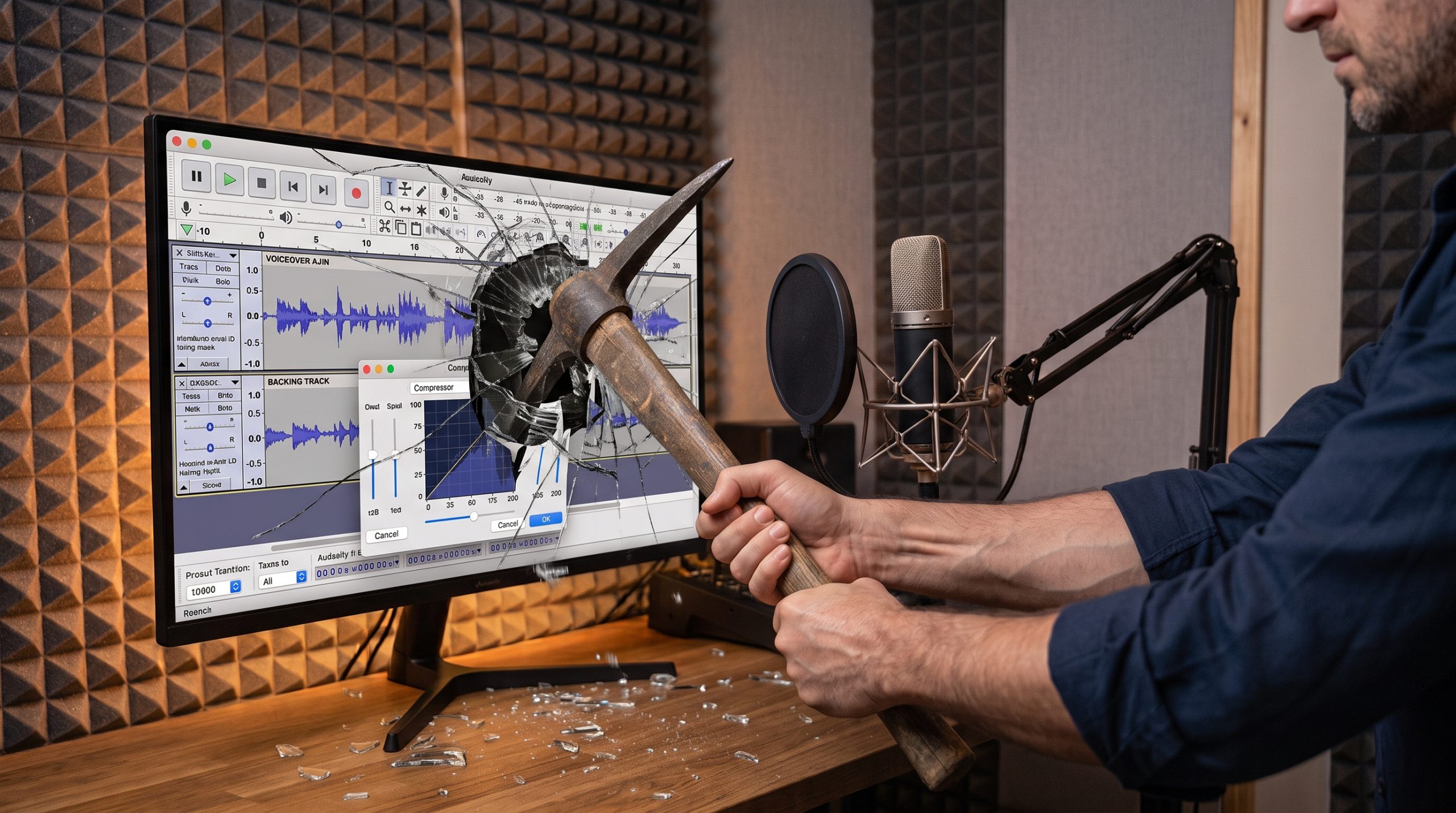
The genesis of Audacity 4’s dramatic overhaul can be traced back to a conscious decision by the development team to move beyond incremental fixes and undertake a comprehensive re-engineering of the software. This wasn’t merely a cosmetic update; it represented a fundamental reimagining of the user experience and core functionality. The result is a DAW that finally aligns with the expectations of modern audio professionals.
One of the most immediately striking improvements in Audacity 4 is its vastly improved user interface. The introduction of a modern design, prominently featuring a highly anticipated Dark Mode, has transformed the editing experience. The dark theme is not merely an aesthetic choice; it significantly enhances usability, particularly for long editing sessions in less-than-ideal lighting conditions, such as a dimly lit vocal booth. This reduces eye strain and makes the visual interface far more conducive to extended work. Furthermore, the clarity and scaling of the waveforms have been dramatically enhanced, offering a crisp, clean representation that greatly assists in identifying and rectifying editing errors with greater precision.
The usability for voice actors has seen a substantial leap forward. Navigating the software is now a far more intuitive and seamless process. While users are still advised to select the "Linear dB" viewing mode for accurate level and dynamic range assessment, the ease with which one can switch between different views and manage track headers has been revolutionized. The convoluted process of previous versions, often compared to solving a complex puzzle, has been replaced by a fluid and responsive system, allowing voice actors to focus on their audio rather than wrestling with the software’s controls.
A game-changer for Audacity 4 is the implementation of real-time audio processing, particularly in the realm of dynamics. The long-awaited introduction of real-time compressors and equalizers allows users to visualize and adjust audio parameters as the audio plays. Previously, applying compression in Audacity was an iterative and often frustrating process of trial and error. Users would input numerical values, apply the effect, observe the resulting waveform, and frequently resort to undoing the change and re-adjusting parameters. Audacity 4’s real-time visual feedback means that compression curves and gain reduction can be tweaked and monitored instantaneously, providing immediate insight into the effect of each adjustment. This level of interactivity significantly streamlines the mixing and mastering process, bringing Audacity in line with professional industry standards.
Despite these significant advancements, Audacity 4 is not without its limitations. It does not currently feature a dedicated, non-destructive waveform editor window in the same vein as some high-end, specialized waveform editors. However, for its intended purpose as a multi-track Digital Audio Workstation (DAW), its capabilities have become surprisingly robust. The software now handles multi-track recording, non-destructive editing workflows, integration with third-party VST plugins, and master rendering with a level of efficiency and stability that was previously unimaginable. The ability to seamlessly incorporate VST plugins opens up a vast ecosystem of professional audio effects and virtual instruments, further enhancing Audacity’s versatility.
The implications of Audacity 4’s transformation are far-reaching, particularly for aspiring voice actors and those working with limited budgets. Historically, the prevailing advice for beginners was to invest in paid software like Adobe Audition or Reaper, as free alternatives were often deemed too unreliable for professional use. This new iteration of Audacity directly challenges that paradigm. By offering a powerful, stable, and feature-rich platform at no cost, Audacity 4 democratizes access to professional-grade audio editing tools.
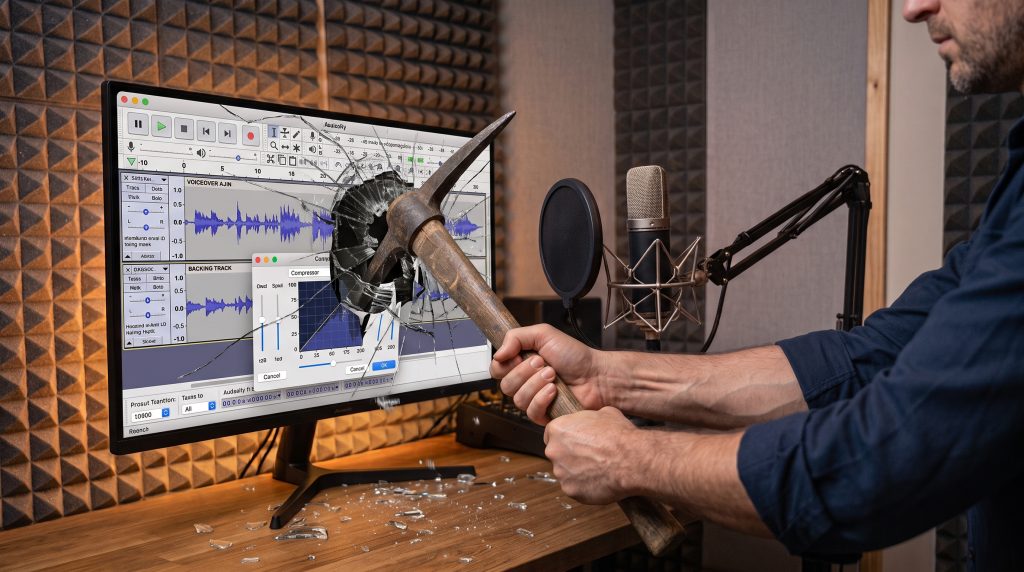
The development timeline leading to Audacity 4’s release represents a significant period of focused effort. While specific dates for internal beta testing and development sprints are not publicly detailed, the substantial nature of the changes suggests a development cycle spanning several years. The open-source community’s ability to mobilize and address long-standing user grievances, culminating in such a comprehensive overhaul, is a remarkable feat. This demonstrates a clear responsiveness to community feedback and a commitment to evolving the software to meet contemporary demands.
The impact of Audacity 4 on the freelance voiceover market could be substantial. For many independent voice actors, the initial investment in high-quality recording equipment and software can be a significant barrier to entry. Audacity 4 effectively removes the software cost barrier, allowing individuals to allocate their resources towards microphones, acoustic treatment, and vocal coaching. This could lead to a more diverse and skilled pool of emerging voice talent, as the technical hurdle of editing is significantly lowered.
Industry analysts suggest that while established professionals may continue to utilize their existing, preferred DAWs, Audacity 4’s emergence will likely influence educational institutions and training programs. Universities, colleges, and online courses focusing on audio production and voice acting are likely to adopt Audacity 4 as a primary teaching tool, given its comprehensive feature set and zero cost. This will equip a new generation of audio professionals with the foundational skills necessary for professional audio editing using a tool that is readily accessible.
In conclusion, Audacity 4 represents a monumental leap forward for the free and open-source audio editing community. The software has transitioned from a tool that many advised users to avoid to one that is now a strong contender for the best free DAW available for voice professionals. Its modern interface, enhanced usability, real-time processing capabilities, and overall stability have effectively addressed the long-standing criticisms of its predecessors. For anyone embarking on a career in voiceover or seeking a powerful, cost-effective solution for audio editing, Audacity 4 is no longer a compromise; it is a genuinely recommended and highly capable choice. The developers have, through extensive effort and dedication, delivered a product that is not only functional but also a pleasure to use, earning it a rightful place in the professional audio toolkit.
