

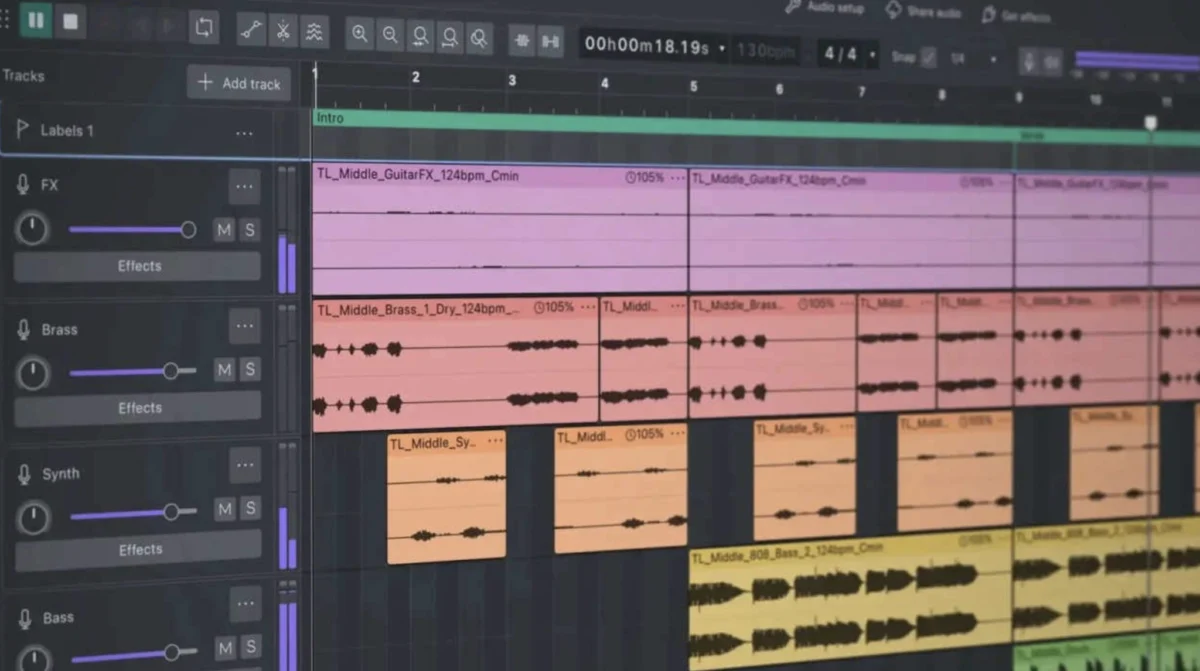
The landscape of digital audio workstations (DAWs) has long been dominated by high-cost, professional-grade software, often creating a significant barrier to entry for aspiring audio engineers, podcasters, and voice actors. For years, Audacity, a free and open-source option, occupied a peculiar space in this ecosystem. While lauded for its accessibility, its previous iterations, particularly Audacity 3 and its predecessors, were widely criticized for a clunky user interface, technical instability, and inefficient resource management. However, a significant overhaul with the release of Audacity 4 has fundamentally altered this perception, transforming the software from a frequently derided tool into a genuinely viable and, for many, the premier free DAW available. This dramatic shift represents a substantial development for content creators and audio professionals worldwide, offering a powerful, modern, and cost-effective solution that was previously unimaginable.
A History of Frustration: The Audacity 3 Era and Before
To understand the magnitude of the transformation in Audacity 4, it is essential to recall the persistent frustrations that plagued earlier versions. For a decade, the software’s user interface was a recurring point of contention. Its design, often described as visually offensive and reminiscent of early 1990s operating systems, made even basic editing tasks a chore. The low-resolution and jagged waveforms presented a significant challenge for users attempting to perform detailed audio work, such as isolating mouth clicks, breaths, or other extraneous noises. This lack of visual clarity effectively hindered precision editing, making tasks that should have been straightforward feel akin to performing delicate surgery with inadequate tools.
Beyond the aesthetic and functional shortcomings of the interface, Audacity 3 and its predecessors suffered from a notorious reputation for inefficient disk space management. Users frequently reported that project files would balloon in size inexplicably. A simple recording session, even for a short duration, could result in gigabytes of temporary data being consumed, placing an undue burden on hard drive capacity. This "disk space black hole" was not merely an inconvenience; it posed a genuine operational challenge, particularly for users working with limited storage.
Furthermore, the software was frequently plagued by bugs, random crashes, and audio driver incompatibilities. For newcomers to audio production, especially voice actors just beginning their careers, setting up a stable and reliable recording workflow with Audacity 3 was often a frustrating and disheartening experience. The potential for lost data due to unexpected program termination was a constant threat, undermining confidence and discouraging consistent use. Many industry professionals actively advised against its use, recommending that users invest in paid alternatives to avoid the pitfalls associated with Audacity’s unreliability.
The Audacity 4 Overhaul: A Ground-Up Redesign
The developers behind Audacity have clearly recognized the need for a radical departure from the established norms of previous versions. Rather than applying superficial fixes, they have undertaken a comprehensive redesign of the software, addressing its core issues and rebuilding it from the ground up. This commitment to modernization is immediately apparent in the most striking improvements: the visual interface and its usability.
One of the most significant advancements is the introduction of a modern, sleek user interface, prominently featuring a Dark Mode option. This visual overhaul has been met with widespread approval. The ability to edit audio in dimly lit environments for extended periods without causing eye strain is a crucial improvement for many users, particularly those working in home studios or during late-night recording sessions. The Dark Mode, coupled with a vastly improved waveform scaling, offers crisp, clean visual representation. This enhanced clarity makes it significantly easier to identify and rectify audio imperfections, streamlining the editing process and improving overall workflow efficiency.
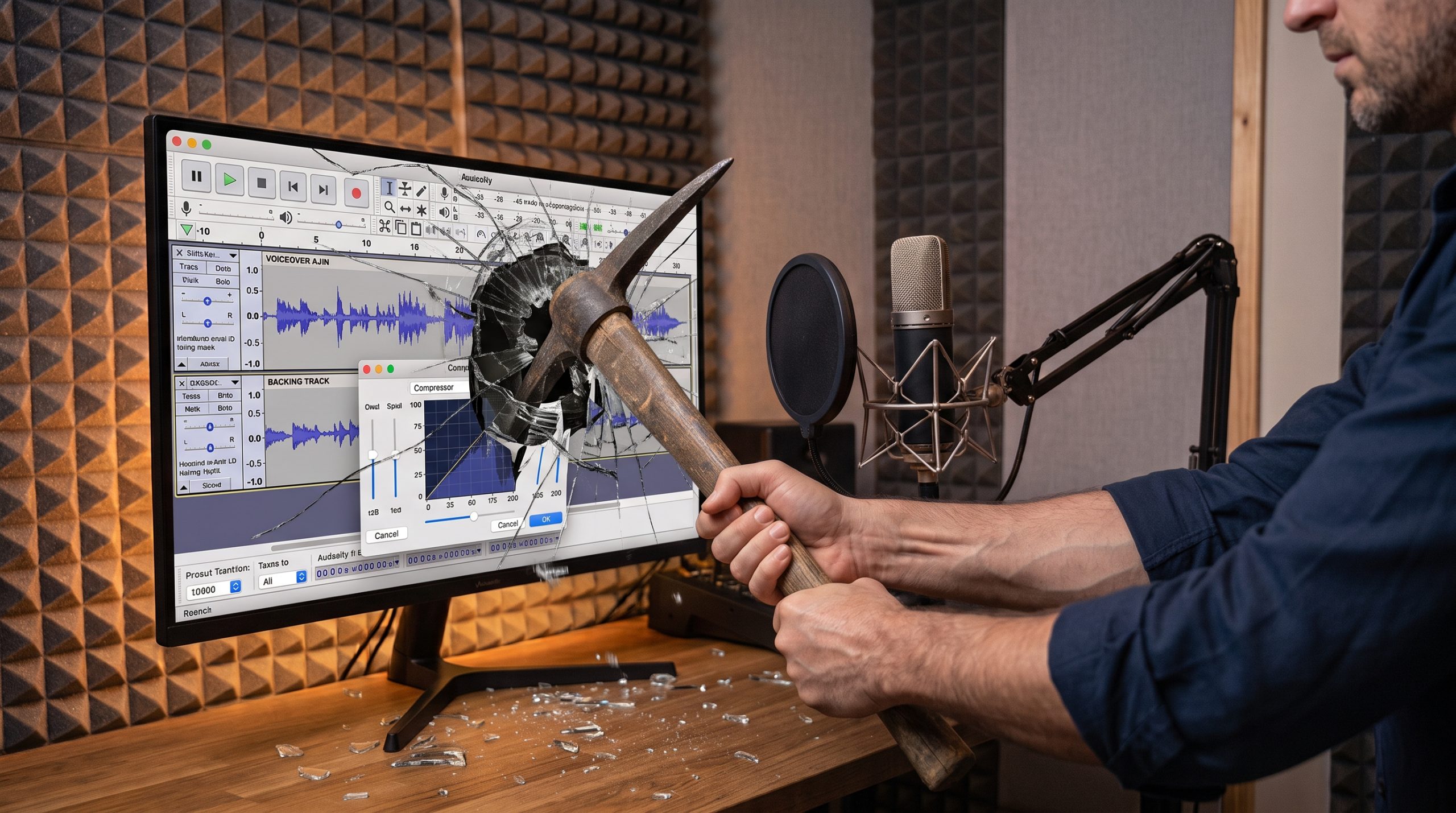
Usability has been a focal point of the redesign. Navigating Audacity 4 is now a considerably smoother experience. While it is crucial for voice actors to still select the correct viewing mode, specifically "Linear dB," to accurately gauge audio levels and dynamics, the process of switching between different views and managing track headers has been streamlined. This move away from the convoluted processes of older versions makes the software far more intuitive and accessible, even for users with less technical expertise.
A game-changing addition for audio professionals is the introduction of real-time dynamics processing, specifically real-time compressors. Historically, applying compression in Audacity was a trial-and-error process. Users would input numerical values, apply the effect, observe the resulting waveform, and if unsatisfied, revert and try again. This "blind faith" approach was inefficient and prone to errors. Audacity 4 introduces real-time visual feedback, allowing users to observe and adjust compression curves and gain reduction dynamically as the audio plays. This interactive approach drastically improves the precision and effectiveness of audio compression, bringing Audacity in line with professional-grade DAWs.
Technical Enhancements and Performance Gains
Beyond the user-facing improvements, Audacity 4 has also seen significant under-the-hood enhancements. While the original article did not delve deeply into specific technical specifications, the reported stability and speed suggest improvements in core architecture and resource management. The previous issues with disk space bloat appear to have been largely mitigated, indicating a more efficient handling of temporary files and project data. This improved performance is critical for maintaining workflow continuity, especially when working with large audio files or complex multi-track projects.
The software’s ability to handle third-party VST plugins has also been a key area of development. This integration allows users to leverage a vast ecosystem of professional audio effects and virtual instruments, significantly expanding the creative possibilities within Audacity. This feature was present in prior versions but has reportedly become more robust and reliable in Audacity 4, further cementing its status as a capable DAW.
Is Audacity 4 Truly Perfect?
While Audacity 4 represents a monumental leap forward, it is important to acknowledge that it does not yet rival every aspect of the most sophisticated, high-end DAWs on the market. For instance, it does not feature a dedicated destructible waveform editor window in the same vein as some specialized audio editors. Professional-grade DAWs like Adobe Audition, while offering a more comprehensive feature set, also come with a significant financial investment.
However, for its intended purpose as a multi-track, fully functional DAW, Audacity 4 performs surprisingly well. It handles multi-track recording, non-destructive editing, and master rendering with commendable efficiency. The ability to integrate third-party VST plugins further enhances its versatility. Crucially, all these capabilities are available at no cost.
Implications for the Audio Industry and Content Creators
The transformation of Audacity from a criticized free tool to a highly recommended one has significant implications for the broader audio industry.
- Democratization of Audio Production: The most immediate impact is the further democratization of audio production. Aspiring voice actors, podcasters, musicians, and sound designers who may have previously been deterred by the cost of professional software can now access a powerful and modern toolset. This can foster a more diverse and vibrant creator community.
- Competitive Landscape Shift: Audacity 4’s newfound competence challenges the established dominance of paid DAWs, particularly for entry-level users. While it may not replace high-end solutions for established professionals, it presents a compelling alternative that could influence pricing strategies and feature development in the commercial software market.
- Educational Tool Enhancement: For educational institutions and online learning platforms that teach audio production, Audacity 4 provides an excellent and accessible teaching tool. Its improved usability and modern interface make it more effective for pedagogical purposes, allowing students to focus on learning audio principles rather than wrestling with software limitations.
- Independent Creator Empowerment: The rise of independent content creation across platforms like YouTube, TikTok, and podcasting networks has been fueled by accessible technology. Audacity 4 directly supports this trend by offering a professional-grade tool that requires no financial outlay, enabling creators to produce higher-quality audio content and potentially monetize their work more effectively.
A Look at the Timeline and Development
The journey of Audacity has been a long one. The software was initially released in 2000, and for over two decades, it served a dedicated user base, albeit with its well-documented flaws. The development leading to Audacity 4 can be seen as a response to sustained user feedback and a recognition of the evolving demands of digital audio production. While specific release dates for the various iterations are publicly available, the significant architectural changes and UI redesigns associated with Audacity 4 suggest a focused development cycle aimed at addressing the core criticisms that had accumulated over years of user experience. This iterative process, characteristic of open-source software development, has culminated in a version that appears to have finally met and exceeded user expectations for a modern, free DAW.
Official Statements and Community Reactions
While direct quotes from the development team regarding the specific goals of the Audacity 4 overhaul are not extensively detailed in the original text, the substantial changes speak volumes. The project’s move towards a more user-friendly and visually appealing interface, coupled with performance enhancements, indicates a clear strategic decision to broaden the software’s appeal and enhance its competitive standing.
Community reactions, as implied by the author’s dramatic shift in opinion, have been overwhelmingly positive. The sentiment of surprise and satisfaction at the software’s transformation suggests that many users who had abandoned Audacity in the past are now reconsidering its potential. Online forums and social media discussions are likely to reflect this renewed enthusiasm, with users sharing their positive experiences and recommending the software to others. This organic endorsement is a powerful testament to the success of the Audacity 4 development.
The Verdict: A New Era for Free Audio Editing
For individuals venturing into the world of voiceover, podcasting, music production, or any audio-centric creative endeavor, and who are currently operating without a significant budget for professional software, Audacity 4 is now the unequivocal recommendation. The days of Audacity being viewed as a compromise for budget constraints are over. The developers have achieved a remarkable feat, transforming a once-maligned application into a fast, stable, modern, and, most importantly, free Digital Audio Workstation. This release signifies a new era for accessible audio production, empowering a new generation of creators with tools that were once out of reach. The official endorsement from seasoned professionals marks a turning point, allowing users to embrace Audacity 4 without reservation and to focus on the art of sound creation.
