

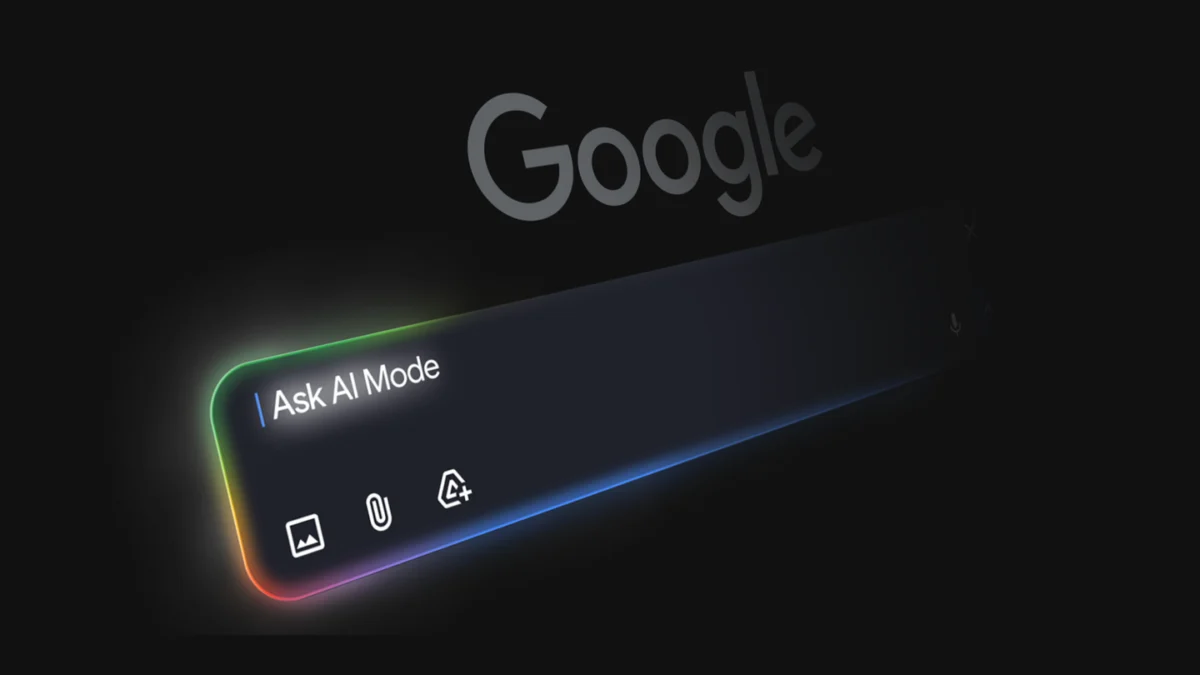
Google has officially transitioned its interactive workspace, Canvas in AI Mode, from a limited testing phase to a general release for all users within the United States. This expansion marks a significant evolution in how the search giant integrates generative artificial intelligence into its core product, moving beyond simple query-and-response interactions toward a persistent, project-based environment. The updated tool now includes advanced support for creative writing and real-time coding, allowing users to build interactive dashboards and draft complex documents directly within the Google Search interface. By leveraging both the live web and Google’s proprietary Knowledge Graph, Canvas seeks to bridge the gap between information retrieval and task execution, providing a dynamic side panel where prototypes can be built, tested, and refined through conversational prompts.
A Shift Toward Persistent Workspaces in Search
The introduction of Canvas in AI Mode represents a departure from the traditional search paradigm, which has historically focused on directing users to external websites. In this new model, Google provides a "dedicated, dynamic space" designed to organize long-term plans and projects. This allows users to exit the search interface and return later to find their progress saved, a feature Google describes as essential for complex tasks like test preparation or multi-stage travel planning.
The utility of Canvas lies in its ability to synthesize information into a functional format. Unlike standard AI Overviews, which provide a summary of text, Canvas creates a workspace where the AI’s output can be manipulated. For example, if a user is researching academic scholarships, the AI does not merely list links; it can generate a dashboard that tracks deadlines, eligibility requirements, and dollar amounts in a structured table or interactive tool. This shift toward "agentic" behavior—where the AI performs tasks rather than just providing answers—is a central pillar of Google’s current product strategy.
Expanded Capabilities: From Text Drafting to Real-Time Coding
The latest update significantly enhances the creative and technical utility of the platform. Previously focused on informational organization, Canvas now supports specialized workflows for writers and developers.
Creative Writing Integration
For users engaged in content creation, Canvas functions as a collaborative editor. It can generate drafts for essays, reports, or creative projects based on specific parameters. Because the tool is embedded within Search, it can pull real-time data to ground creative writing in factual accuracy. Users can highlight specific sections of a draft to request revisions, tone adjustments, or expansions, effectively turning the search engine into a co-authoring platform.
Coding and Custom Tool Development
Perhaps the most significant addition is the support for coding tasks. Users can now describe a specific tool they need—such as a specialized calculator, a data visualizer, or a project tracker—and Canvas will generate a working prototype in the side panel. This feature includes a toggle that allows users to view the underlying code, offering transparency and the ability for manual refinement. This functionality targets a growing demographic of "citizen developers" who may not have formal coding training but require custom digital solutions for personal or professional organization.
The Mechanics of Custom Tool Creation
The workflow for creating a tool within Canvas is designed to be intuitive, requiring no technical expertise to initiate. Users access the feature by selecting the "Canvas" option from the tool menu (represented by a "+" icon) within Google’s AI Mode.
Once a prompt is entered—such as "Create a dashboard to track the requirements for five specific medical schools"—the system initiates a multi-step process:
- Information Retrieval: The AI queries the web and the Google Knowledge Graph to find the most current data.
- Synthesis and Structuring: The data is organized into a functional layout, such as a grid or an interactive list.
- Prototyping: A live version of the tool appears in the Canvas side panel.
- Iterative Refinement: Through conversational follow-ups, the user can ask the AI to "add a column for application fees" or "highlight deadlines occurring within the next thirty days."
This iterative loop allows for a high degree of customization, ensuring that the final product aligns precisely with the user’s specific needs.
Contextualizing the Rollout: A Chronology of Google’s AI Search Evolution
The broad release of Canvas is the latest milestone in a rapid timeline of AI integration at Google, which began in earnest following the surge of interest in large language models (LLMs) in late 2022.
- May 2023: Google introduces the Search Generative Experience (SGE) at its I/O developer conference, signaling a move toward AI-integrated search results.
- December 2023: The launch of Gemini, Google’s most capable AI model, provides the underlying architecture for more complex reasoning tasks within Search.
- May 2024: "AI Overviews" begin rolling out to the general public in the U.S., providing AI-generated summaries at the top of search results.
- August 2024: Google begins testing "AI Mode" and "Canvas" with a subset of users, focusing on academic and travel use cases.
- Late 2024: Canvas in AI Mode is made available to all U.S. users, adding the coding and creative writing features that define the current iteration.
This chronology illustrates a strategic pivot from experimental features to core functionality. Google is no longer just testing how AI might work in search; it is actively rebuilding the search experience around persistent, generative workspaces.
Supporting Data: The Growing Demand for AI Utility
The expansion of Canvas comes at a time when consumer expectations for AI are shifting from novelty to utility. According to industry data from market research firms like Gartner, by 2026, traditional search engine volume is expected to drop by 25%, as users migrate toward AI chatbots and virtual agents for information discovery.
Furthermore, internal testing from Google’s early "Search Labs" participants indicated a high demand for tools that reduce "tab fatigue"—the process of opening dozens of tabs to compare information. Use cases such as the scholarship dashboard were cited as high-value interactions because they condensed hours of manual data entry and cross-referencing into a single, AI-generated view. By offering Canvas, Google aims to retain users within its ecosystem by providing the productivity tools they would otherwise seek in third-party applications like Notion, Excel, or specialized coding environments.
Competitive Landscape: The Race for Interactive AI Interfaces
Google is not alone in the pursuit of persistent AI workspaces. The release of Canvas in AI Mode places Google in direct competition with other major AI players:
- OpenAI’s "Canvas": Launched for ChatGPT, this interface allows for side-by-side editing of text and code, very similar to Google’s implementation.
- Anthropic’s "Artifacts": This feature in Claude allows users to view and interact with code, documents, and websites generated by the AI in a dedicated window.
- Perplexity AI: While primarily focused on citation-heavy search, Perplexity has also introduced "Pages," which allows users to turn search threads into structured, publishable articles.
Google’s primary advantage in this competitive field is its integration with the Knowledge Graph and the live web. While other models rely on their training data or limited web browsing capabilities, Google’s Canvas is deeply integrated into the world’s largest index of real-time information, making it uniquely suited for tasks involving rapidly changing data, such as travel prices or academic deadlines.
Strategic Implications for the Knowledge Economy
The broader implications of Canvas in AI Mode extend to how information is consumed and utilized on the web. By providing a tool that can scrape, synthesize, and repackage web content into a private dashboard, Google is effectively changing the value proposition of the "Open Web."
For content creators and publishers, this presents a complex challenge. If a user can generate a custom dashboard within Google Search that summarizes the key data from ten different websites, the incentive to click through to those individual sites decreases. This has led to ongoing discussions regarding "zero-click searches" and the long-term sustainability of the ad-supported web.
However, from a productivity standpoint, the implications are largely positive. For students, researchers, and small business owners, the ability to "jumpstart" a project with an AI-generated prototype reduces the barrier to entry for complex tasks. The democratization of coding—where a user can describe a tool and receive the underlying Python or JavaScript—could lead to a surge in personalized software solutions, tailored to individual workflows rather than mass-market needs.
Official Responses and Inferred Market Reaction
While Google has framed the release as a "back-to-school" and productivity update, industry analysts view it as a defensive and offensive move. By integrating these features directly into Search, Google is attempting to ensure that its 90% share of the search market remains unthreatened by the rise of standalone AI assistants.
Early feedback from the developer community has been cautiously optimistic. Developers note that while the AI-generated code may require human oversight for complex applications, the "Canvas" environment is excellent for rapid prototyping and "boilerplate" code generation. Academic professionals have also noted the potential for Canvas to assist in organized research, provided that the AI continues to cite its sources accurately to prevent the "hallucinations" common in LLMs.
Future Outlook: The Era of Agentic Search
As Canvas in AI Mode becomes a standard feature for U.S. users, the next logical step for Google is the global rollout and the further refinement of "agentic" capabilities. Future iterations may see Canvas integrating more deeply with Google Workspace—allowing a dashboard created in Search to be exported directly to Google Sheets or a document to be sent to Google Docs with a single click.
The ultimate goal, as suggested by Google’s recent product demonstrations, is a search engine that does not just find information, but acts upon it. Whether it is booking a flight, organizing a semester of study, or writing a custom application, Canvas in AI Mode is the foundation for a search experience that is increasingly proactive, persistent, and personalized. For now, U.S. users have the first opportunity to integrate these dynamic tools into their daily digital lives, marking a new chapter in the intersection of search and artificial intelligence.
