

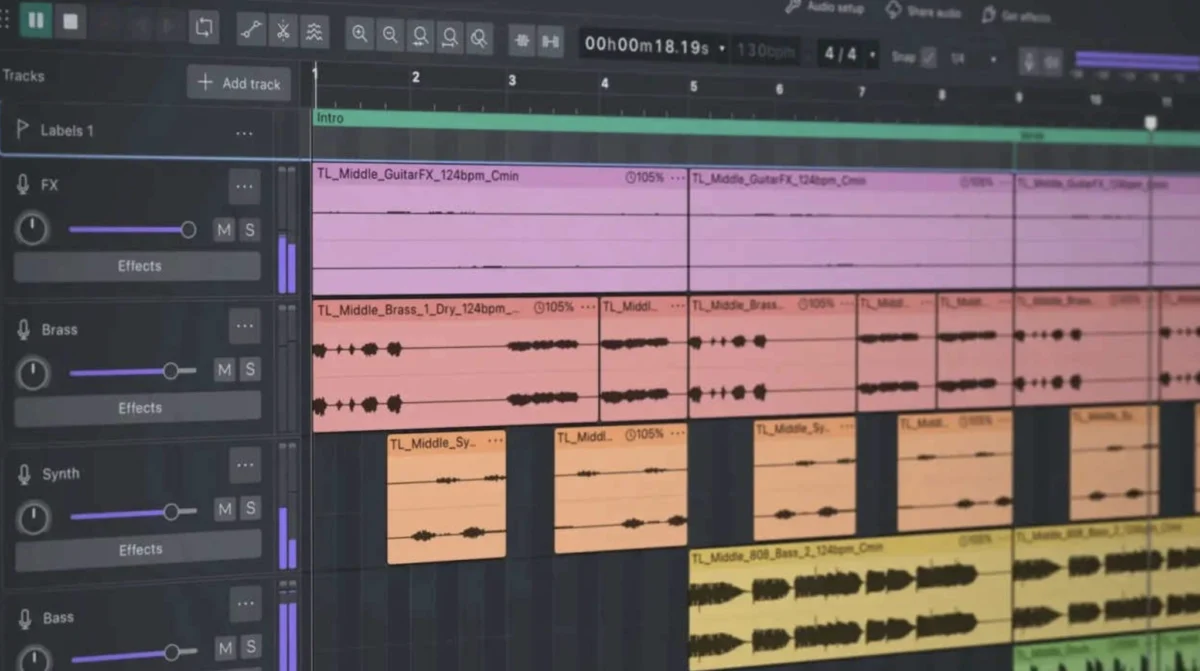
The digital audio landscape has long been dominated by expensive, professional-grade software, leaving aspiring audio engineers, podcasters, and voice actors to navigate a market often inaccessible due to cost. For years, Audacity, a free and open-source Digital Audio Workstation (DAW), has been a common entry point. However, its previous iterations, particularly Audacity 3 and earlier, were widely criticized for a user experience that was, to put it mildly, challenging. Now, with the release of Audacity 4, a significant and transformative overhaul has occurred, prompting a reassessment of its capabilities and its position within the audio production ecosystem. This new version represents a dramatic rebirth, shifting from a program once derided for its clunky interface and instability to a robust and genuinely capable tool that warrants serious consideration from both novices and seasoned professionals.
Historically, Audacity’s reputation among audio professionals and hobbyists alike was deeply tarnished. Early versions were characterized by a visually unappealing and outdated interface, often described as "hideous" and "clunky." This aesthetic deficiency was more than just a superficial issue; it directly impacted usability. Navigating the software to identify and correct minor audio imperfections, such as mouth clicks, breaths, or plosives, was an arduous task. The waveforms themselves were often rendered in a low-resolution, jagged manner, making precise editing feel akin to performing delicate surgery with blunt instruments. For beginners, the steep learning curve exacerbated by these interface issues often led to frustration and a sense of overwhelming complexity.
Beyond the visual, Audacity’s performance was another significant pain point. Previous versions were notorious for their inefficient handling of project files and temporary data. Users frequently reported instances where recording even short audio segments, like a two-minute commercial audition, and making minor edits would result in an inexplicable and substantial increase in hard drive usage. This "disk space black hole" phenomenon meant that projects could balloon in size without clear justification, consuming gigabytes of storage space and potentially impacting system performance. This lack of efficient resource management was particularly problematic for users with limited storage capacity or those working on multiple projects simultaneously.
Furthermore, the stability of older Audacity versions was a persistent concern. Random crashes, data loss, and inexplicable audio driver bugs were common occurrences, often striking at the most inopportune moments. For individuals relying on Audacity for critical recording sessions or deadlines, these instabilities could lead to significant setbacks, lost work, and considerable stress. The challenge of establishing a reliable recording workflow within such an unpredictable environment was a significant deterrent for many, especially those new to audio production who needed a dependable tool to build foundational skills. The software’s reputation was thus cemented as a functional, albeit flawed, free option, often recommended with significant caveats.
The advent of Audacity 4 signifies a departure from this legacy of frustration. The development team appears to have recognized the fundamental shortcomings of previous iterations and has undertaken a comprehensive redesign, addressing the core issues that plagued the software for years. This is not merely an incremental update; it is a ground-up reconstruction that prioritizes user experience, performance, and modern functionality.
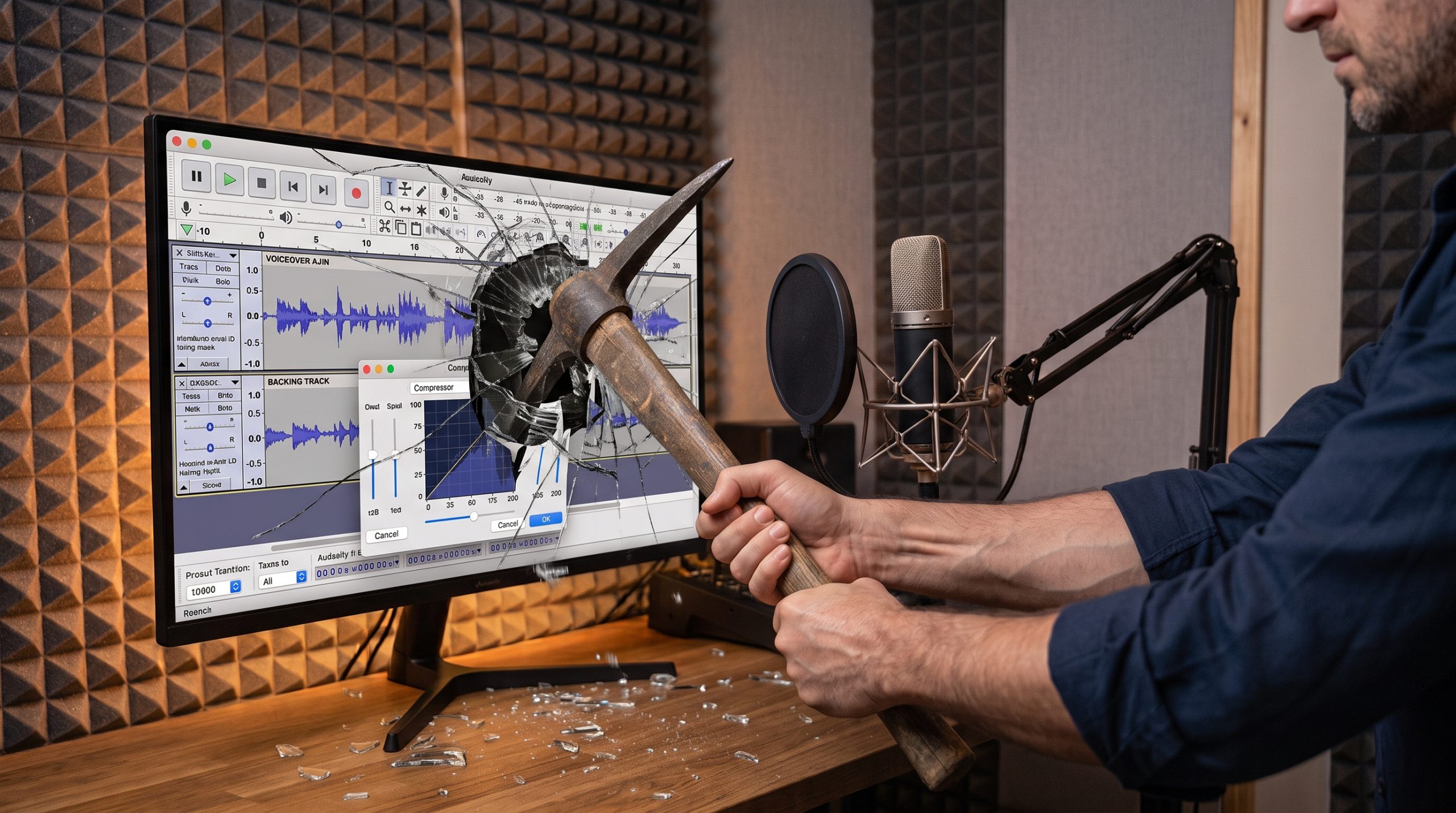
One of the most immediately apparent and impactful changes in Audacity 4 is its revitalized user interface. The software now boasts a sleek, modern aesthetic, a stark contrast to the dated look of its predecessors. Crucially, the introduction of a Dark Mode is a welcome addition for professionals who spend extended periods working in dimly lit recording environments. This feature not only reduces eye strain but also enhances the clarity of visual elements. The waveforms themselves have undergone a significant upgrade, now appearing crisp, clean, and rendered with much higher resolution. This visual improvement is paramount for detailed audio editing, allowing users to more easily identify and address subtle imperfections with greater precision. The ability to discern minute details in the audio signal directly contributes to a more polished final product.
The usability of Audacity 4 has also seen substantial improvements, particularly for voice actors and other audio professionals. Navigation through the software is now considerably more intuitive and fluid. While users still need to ensure they are operating in the correct viewing mode, such as "Linear dB," to accurately gauge audio levels and dynamics, the process of switching between different views and managing track headers has been streamlined. This shift from a convoluted, puzzle-like operation to a seamless experience significantly reduces the cognitive load on the user, allowing them to focus more on the audio content itself.
A particularly groundbreaking enhancement in Audacity 4 is the introduction of real-time dynamics processing, specifically real-time compressors. Previously, applying compression in Audacity was a laborious and often frustrating trial-and-error process. Users would manually input numerical values, apply the effect, analyze the resulting waveform, and if unsatisfied, revert and try again. This "blind faith" approach was inefficient and hindered the ability to achieve optimal compression settings. Audacity 4 changes this paradigm by providing a real-time visual representation of compression curves and gain reduction as the audio plays. This allows users to dynamically adjust parameters and immediately observe their impact, enabling a far more nuanced and effective approach to dynamic range control. This feature alone elevates Audacity 4 from a basic editor to a tool capable of professional-level audio manipulation.
While Audacity 4 represents a monumental leap forward, it is important to acknowledge that it is not without its limitations. The software still does not feature a dedicated, destructible waveform editor window in the same vein as some high-end, specialized audio editors. Furthermore, while its feature set is now extensive and highly capable, it has not yet reached the comprehensive depth of industry titans like Adobe Audition or Pro Tools. These more established DAWs often offer a broader range of advanced tools, specialized workflows, and extensive plugin support that may still be advantageous for highly specific or complex audio post-production tasks.
However, when evaluating Audacity 4 as a full-fledged, multi-track DAW, its performance is remarkably impressive, especially considering its "free" status. It adeptly handles multitrack recording, non-destructive editing, and integrates seamlessly with third-party VST plugins. The master rendering process is efficient and produces high-quality output. The fact that a DAW with these capabilities is available at no cost is a significant development for the audio community.
The implications of Audacity 4’s transformation are far-reaching. For individuals just embarking on their journey in voiceover work, podcasting, or music production, the financial barrier to entry has been significantly lowered. Previously, investing in professional audio software was a prerequisite for serious engagement. Now, Audacity 4 provides a powerful and accessible platform that allows users to develop essential skills without incurring substantial costs. This democratization of audio tools has the potential to foster a new generation of creators and innovators who might otherwise have been excluded from the field.
The historical context of Audacity’s development is also relevant. Originating from the audacity project at the University of Illinois in 2000, it was initially conceived as a tool for recording and editing audio. Over two decades, it evolved through numerous iterations, each bringing incremental changes. However, the core architectural and design philosophies of the earlier versions remained largely intact until the significant overhaul leading to Audacity 4. This suggests a period of introspection and strategic re-evaluation by the development team, likely influenced by user feedback and the evolving demands of the digital audio landscape.
The transition from Audacity 3, which many critics deemed "awful," to Audacity 4, now described as "excellent," is a testament to the power of dedicated development and a commitment to user experience. The developers have not only addressed the critical flaws of the past but have also introduced modern features that align with current industry standards. This shift is likely to attract a broader user base, including those who had previously dismissed Audacity due to its shortcomings.
The broader impact of a high-quality, free DAW like Audacity 4 extends beyond individual users. It can influence educational curricula, providing schools and training institutions with a cost-effective solution for teaching audio production principles. It can also empower independent artists and small studios to produce professional-sounding content without significant financial investment, potentially leading to a more diverse and vibrant independent media landscape.
In conclusion, the release of Audacity 4 marks a pivotal moment for the free and open-source audio software community. What was once a tool frequently advised against is now a compelling option, even for those with the means to invest in paid software. The dramatic improvements in interface design, usability, stability, and feature set have transformed Audacity into a genuinely capable and enjoyable-to-use Digital Audio Workstation. For aspiring audio professionals and hobbyists alike, Audacity 4 presents an unparalleled opportunity to engage with high-quality audio production tools without the prohibitive cost, solidifying its position as the premier free DAW available today.
