

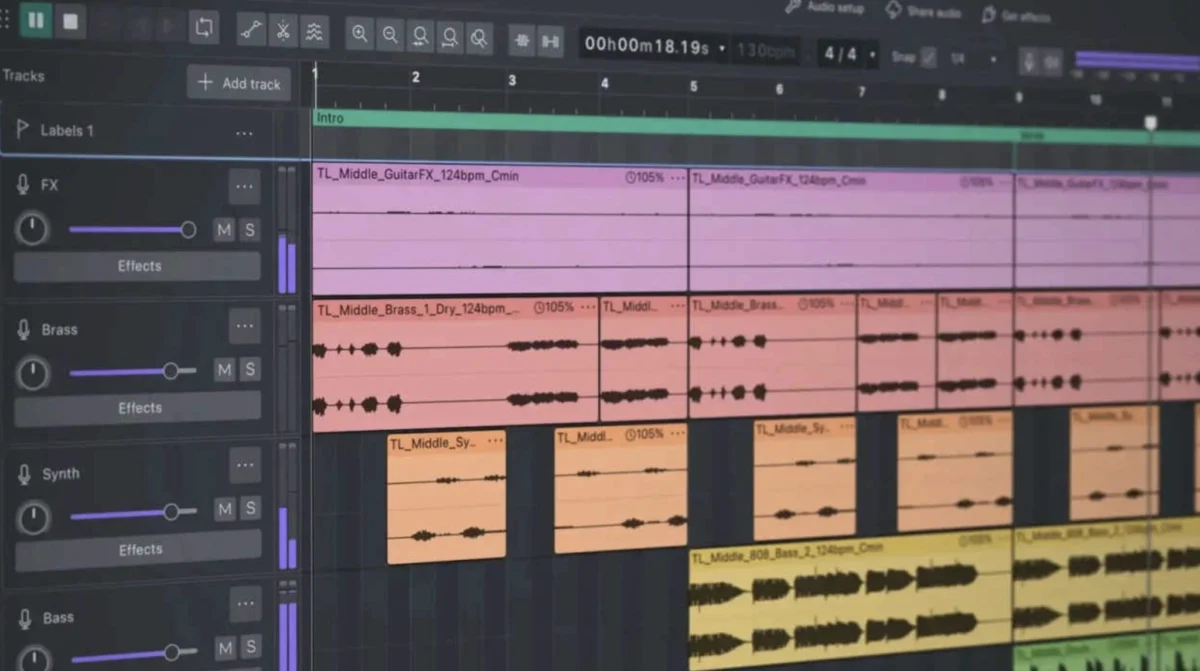
The landscape of Digital Audio Workstations (DAWs) has long been dominated by professional, often costly, software solutions. For years, a significant segment of audio creators, particularly those just entering the field or operating on a budget, have grappled with the limitations of Audacity, a free and open-source audio editor. Historically, Audacity, especially versions prior to Audacity 4, was widely criticized for its clunky interface, performance issues, and a user experience that often felt more like an obstacle course than a creative tool. However, a recent, comprehensive overhaul culminating in the release of Audacity 4 has dramatically shifted this perception, prompting a reassessment of its capabilities and its place in the modern audio production workflow.
The transformation of Audacity from a widely maligned application to a genuinely recommendable tool represents a significant development, particularly for voice actors, podcasters, musicians, and independent content creators who rely on accessible yet powerful audio editing software. This evolution is not merely cosmetic; it addresses core functional deficits that had plagued previous iterations, fundamentally altering the user experience and broadening the software’s appeal.
A Look Back at the Predecessors: The Audacity of Frustration
To understand the magnitude of the changes in Audacity 4, it is crucial to revisit the persistent issues that characterized its earlier versions, such as Audacity 3 and its predecessors. These problems were not minor inconveniences; they were fundamental barriers to efficient and enjoyable audio production.
User Interface and Visual Clarity: A significant point of contention for many users was the outdated and visually unappealing user interface. Described by many as looking like it was designed for an operating system from the mid-1990s, the interface was often criticized for its lack of modern aesthetics and intuitive design. This visual deficiency directly impacted workflow. The representation of audio waveforms, for instance, was often described as jagged, thin, and low-resolution. This made the meticulous task of identifying and correcting subtle audio artifacts – such as mouth clicks, plosives, and breath sounds – an arduous undertaking. For beginners, the inability to clearly "see" audio nuances could lead to significant frustration and a steep learning curve, often requiring extensive trial and error to achieve satisfactory results. The precision required for professional audio editing was frequently compared to attempting delicate surgery while wearing cumbersome gloves.
Resource Management and Disk Space Consumption: Another major pain point was Audacity’s notorious inefficiency in managing disk space. Users reported that even relatively small projects, involving short recordings and minimal edits, could lead to an alarming ballooning of project file sizes. This phenomenon was attributed to inefficient handling of temporary data and an overall bloated approach to file management. In an era where storage space, while more abundant, is still a valuable resource, this behavior was particularly problematic, especially for users with limited hard drive capacity. The software’s tendency to consume gigabytes of data in the background without clear user notification often left users scrambling for space and questioning the software’s operational integrity.
Stability and Reliability: Perhaps the most critical failing of older Audacity versions was their inherent instability. Frequent crashes, unexpected data loss, and perplexing audio driver bugs were common complaints. For professionals and aspiring creators alike, the inability to rely on the software to complete tasks without interruption was a significant impediment. The prospect of losing hours of work due to a sudden, unannounced crash was a constant source of anxiety. Setting up a stable recording and editing workflow in these older versions often felt like a gamble, leading to significant emotional distress and a loss of confidence in the tool itself.
The Dawn of a New Era: The Audacity 4 Revolution
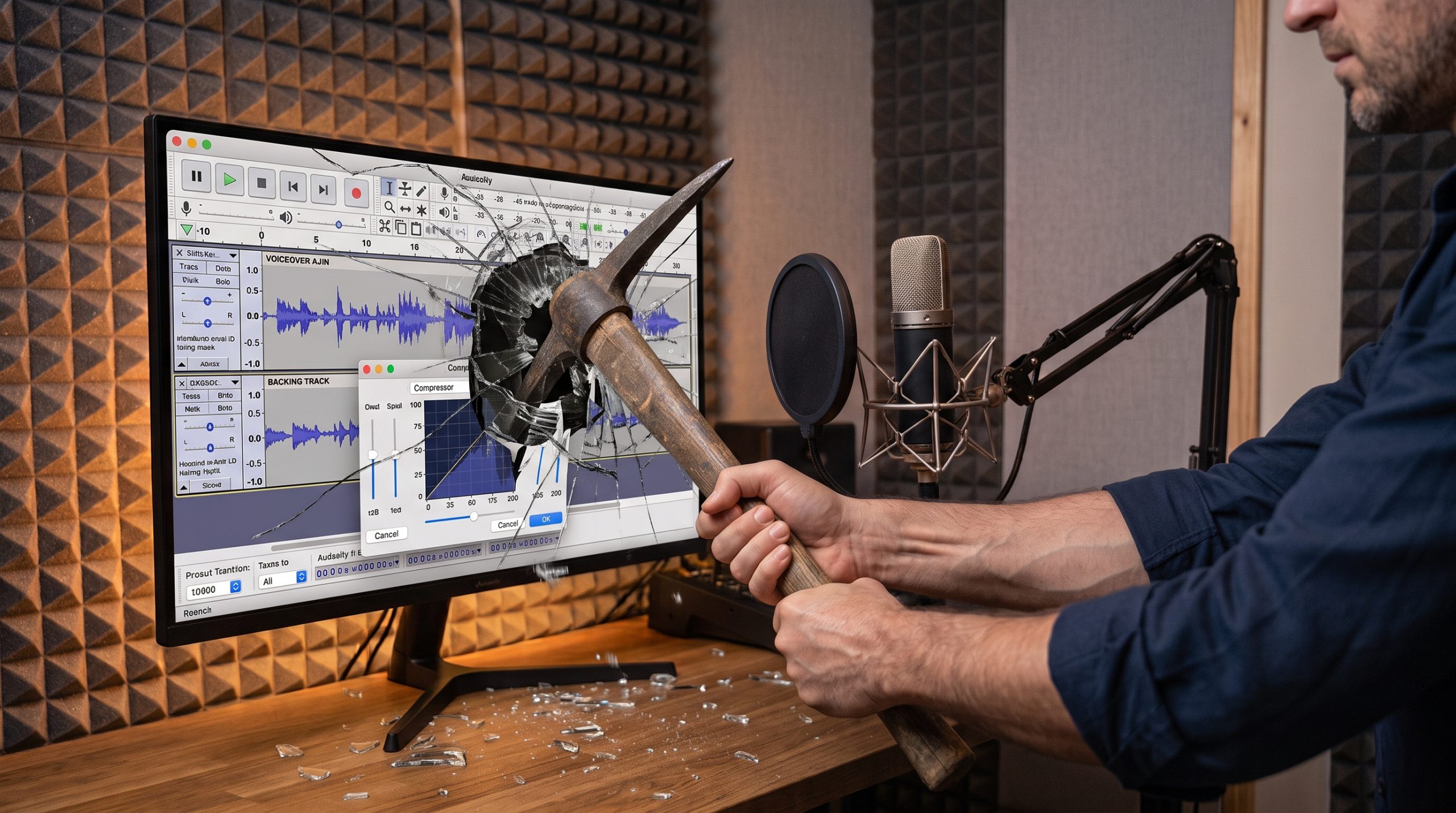
The release of Audacity 4 marks a decisive departure from the issues of the past. The development team has undertaken a comprehensive redesign, moving beyond superficial fixes to implement fundamental improvements across the software. This overhaul addresses the long-standing criticisms and introduces features that align Audacity with modern audio production standards.
A Modern Aesthetic and Enhanced Usability: The most immediate and striking improvement in Audacity 4 is its revamped user interface. The software now boasts a clean, modern design that significantly enhances its visual appeal and ease of use. A standout feature is the introduction of a Dark Mode. This feature is particularly beneficial for users who spend extended periods editing in low-light environments, such as vocal booths or dimly lit studios. The reduction in eye strain allows for longer, more comfortable editing sessions. Crucially, the visual scaling of waveforms has been dramatically improved, offering crisp, clean representations that make it substantially easier to spot and rectify editing errors. This visual clarity is a game-changer for tasks requiring detailed audio manipulation.
Optimized Workflow for Voice Professionals: While the software now offers a more intuitive navigation experience, users are still advised to select the correct viewing mode, specifically "Linear dB," for accurate level and dynamic range assessment. This ensures that voice actors can effectively gauge their audio performance. The process of switching between different views and managing track headers, once a cumbersome task, has been streamlined, offering a significantly smoother workflow. This enhanced usability reduces the cognitive load on the user, allowing them to focus more on the creative aspects of audio production.
Real-Time Dynamics Processing: A significant breakthrough in Audacity 4 is the introduction of real-time dynamics processing, particularly for compressors. Previously, applying compression in Audacity was a trial-and-error process. Users would input numerical values, apply the effect, observe the resulting waveform, and if unsatisfied, revert and try again – a time-consuming and often frustrating approach. The new real-time functionality allows users to visualize and adjust compression curves and gain reduction dynamically as the audio plays. This immediate feedback loop dramatically improves the effectiveness and efficiency of audio compression, enabling users to achieve desired sonic characteristics with greater precision and speed. This feature alone significantly elevates Audacity’s standing as a professional audio tool.
Under the Hood: Technical Advancements and Performance
Beyond the visible interface changes, Audacity 4 has undergone substantial technical improvements. The underlying architecture has been optimized for better performance and stability. While the developers have not released specific benchmark data for this iteration, user reports and anecdotal evidence suggest a noticeable improvement in responsiveness and a reduction in resource consumption compared to previous versions. The handling of large audio files and complex multi-track projects appears to be more robust, contributing to a more reliable editing experience.
The integration of third-party VST plugins has also been refined, offering wider compatibility and smoother operation. This allows users to leverage a vast ecosystem of professional audio effects and virtual instruments, further expanding Audacity’s capabilities beyond its built-in features. The software now handles tracking, non-destructive editing, and master rendering with a level of efficiency that rivals many commercial DAWs.
Addressing Limitations: A Realistic Perspective
Despite the significant advancements, it is important to maintain a balanced perspective. Audacity 4, while vastly improved, does not position itself as a direct replacement for every high-end professional DAW on the market. For instance, it still lacks a dedicated, destructible waveform editor window, a feature often found in specialized editors that allows for highly granular, sample-level manipulation. While it offers a comprehensive suite of tools, it may not yet match the depth of features or the specific workflows favored by some users of industry stalwarts like Adobe Audition or Pro Tools.
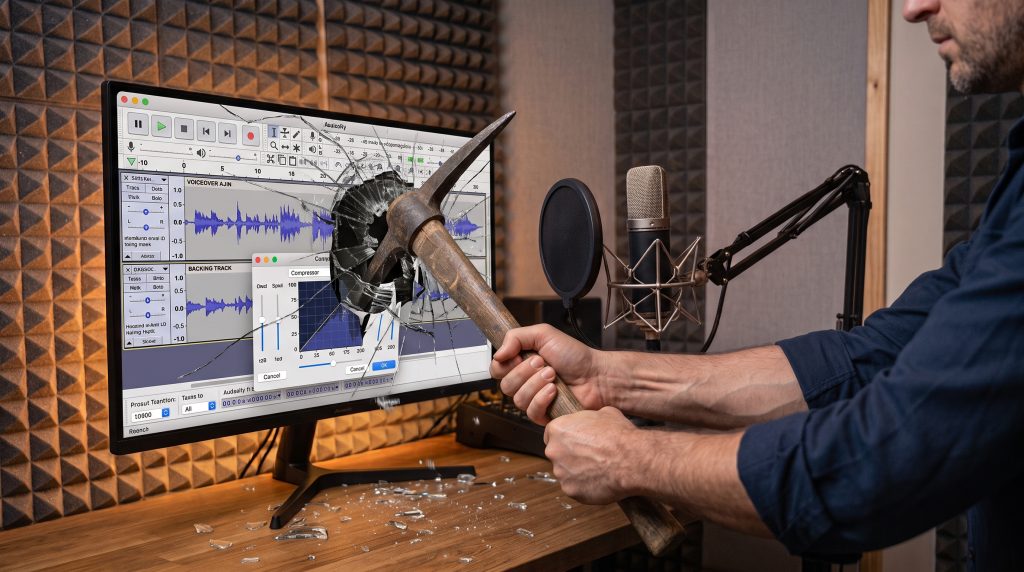
However, these limitations do not detract from its value proposition, especially considering its status as a free, open-source application. The core functionality as a multi-track DAW is now exceptionally strong. Its ability to handle complex projects, integrate with professional plugins, and produce high-quality audio renders makes it a formidable contender, particularly for its target audience.
Implications for the Audio Industry and Emerging Creators
The transformation of Audacity has significant implications for the broader audio production landscape. For emerging voice actors, podcasters, and independent musicians, Audacity 4 democratizes access to professional-grade audio editing tools. Previously, individuals on tight budgets were often forced to compromise on quality or invest heavily in expensive software. Audacity 4 removes this barrier, allowing more creators to produce polished audio content without financial constraint.
The availability of a powerful, free DAW can foster innovation and creativity. It lowers the barrier to entry for content creation, potentially leading to a more diverse and vibrant media landscape. The ease of use and improved functionality also mean that individuals can learn and master audio editing skills more quickly, accelerating their development as content creators.
Furthermore, the success of Audacity’s revitalization could serve as a model for other open-source software projects. It demonstrates the power of dedicated development and community feedback in transforming a struggling application into a leading tool. The project’s ability to respond to user criticism and implement substantial improvements highlights the potential of collaborative development in driving technological progress.
Looking Ahead: The Future of Audacity
The trajectory of Audacity 4 suggests a bright future for the software. The developers have demonstrated a commitment to user feedback and continuous improvement. It is anticipated that future updates will further refine existing features and potentially introduce new functionalities, further solidifying its position as a top-tier free DAW.
The evolution from a tool often viewed with disdain to one that is enthusiastically recommended is a testament to the power of iterative development and a keen understanding of user needs. Audacity 4 is not just an update; it represents a fundamental reimagining of what a free audio editor can and should be. For anyone involved in audio creation, particularly those seeking a powerful, accessible, and reliable solution, Audacity 4 is an essential download, a testament to the fact that excellence can indeed be achieved without a price tag.
