

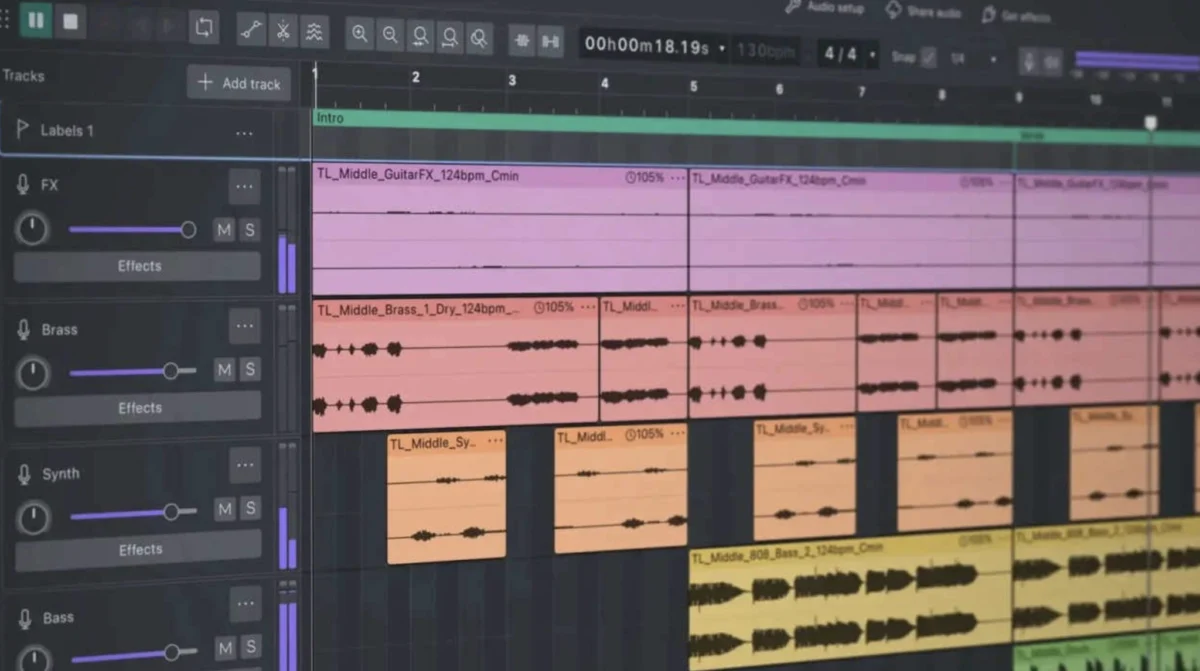
The digital audio workstation (DAW) landscape has long been dominated by a handful of established players, with free alternatives often relegated to the realm of hobbyists and those with severely limited budgets. For years, Audacity, a long-standing open-source audio editor, occupied this latter category, frequently drawing sharp criticism for its perceived shortcomings. However, a significant paradigm shift has occurred with the release of Audacity 4, a comprehensive overhaul that has dramatically elevated its capabilities and usability, prompting a reassessment of its position within the professional audio community. This article delves into the evolution of Audacity, examining the critical issues that plagued its predecessors and detailing the substantial improvements in Audacity 4 that have led to widespread acclaim and a new era of recommendation for this once-maligned software.
A History of Frustration: The Predecessors’ Shortcomings
For a considerable period, Audacity versions prior to the latest iteration were a source of considerable frustration for a wide array of users, particularly those within the voiceover industry. The persistent issues, which have been widely documented and discussed in online forums and professional circles, can be broadly categorized into several key areas:
1. An Outdated and Visually Inefficient User Interface
The user interface of Audacity 3 and earlier versions was frequently described as archaic and visually unappealing. Developed with a design philosophy seemingly rooted in the early days of personal computing, it lacked the modern aesthetic and intuitive navigation expected of contemporary software. This translated into tangible operational difficulties. The waveforms, the visual representation of audio, were often rendered in a way that made identifying and isolating subtle audio artifacts such as mouth clicks, plosives, and breath noises a laborious and error-prone process. For voice actors and audio editors, the ability to precisely manipulate audio is paramount. The jagged, low-resolution waveforms of older Audacity versions made this akin to performing delicate surgical procedures with inadequate tools, significantly hindering efficiency and accuracy. The visual clutter and lack of clarity contributed to user fatigue, especially during extended editing sessions.
2. Prohibitive Disk Space Consumption
A particularly egregious issue with previous Audacity versions was their notorious appetite for hard drive space. Users reported instances where even moderately sized audio projects, such as short commercial auditions, would balloon in file size. This phenomenon was attributed to inefficient management of temporary files and project data. The software would often consume gigabytes of storage in the background without clear user notification or apparent justification, leading to unexpected and often inconvenient hard drive space shortages. For professionals working with large audio files or managing multiple projects, this "disk space black hole" was not merely an inconvenience but a significant impediment to workflow and data management. The lack of transparency regarding this disk usage further exacerbated user dissatisfaction.
3. Pervasive Instability and Technical Glitches
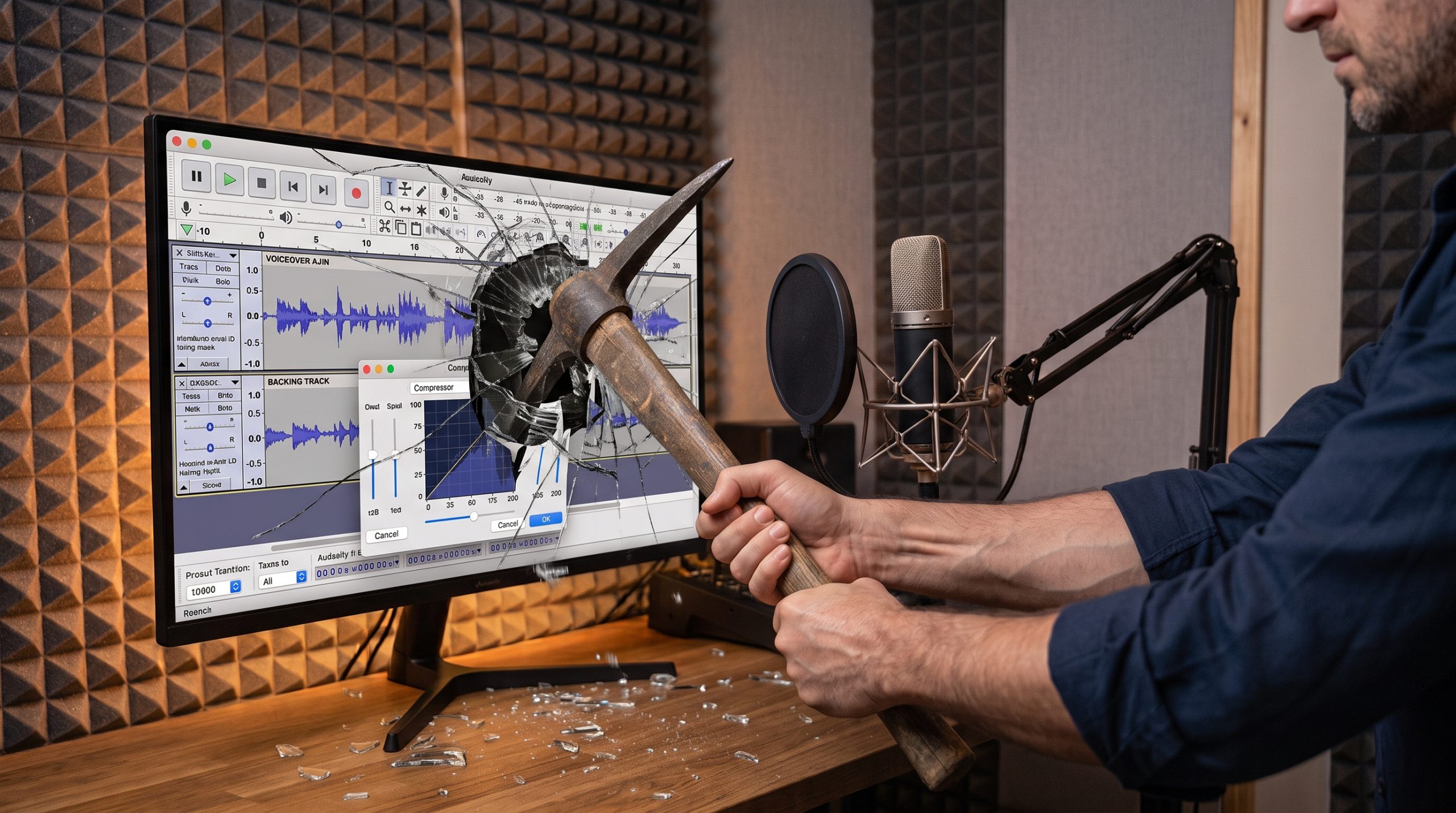
Beyond the aesthetic and storage concerns, Audacity’s older versions were plagued by a concerning level of instability. Random crashes, data corruption, and perplexing audio driver bugs were commonplace. These issues were not isolated incidents but rather recurring problems that undermined user confidence. For beginners entering the field of voice acting or audio production, navigating these technical hurdles within Audacity could be an overwhelming and disheartening experience, often leading to lost work and significant delays. The perceived lack of robust stability made it difficult for users to rely on Audacity for critical professional tasks where data integrity and consistent performance are essential.
The Audacity 4 Revolution: A Ground-Up Redesign
Recognizing the need for a fundamental transformation, the developers of Audacity embarked on a comprehensive redesign for Audacity 4. This was not a superficial update but a complete re-architecture of the software, addressing the long-standing criticisms and introducing a suite of modern features. The impact of this overhaul is profound, repositioning Audacity as a formidable contender in the DAW market.
1. A Modern, Ergonomic, and Visually Appealing Interface
The most immediately apparent change in Audacity 4 is its dramatically modernized user interface. The developers have adopted a clean, contemporary aesthetic that significantly enhances usability. A standout feature is the introduction of a Dark Mode, a highly anticipated addition that offers substantial benefits for users working in various lighting conditions. This feature allows for extended editing sessions without the eye strain associated with bright, white interfaces, a critical consideration for professionals spending long hours in vocal booths or studios. Furthermore, the rendering of waveforms has been refined. They are now crisp, clear, and highly scalable, making it considerably easier to discern subtle audio details and perform precise editing tasks. This visual improvement alone represents a monumental leap forward in user experience.
2. Enhanced Usability and Workflow Streamlining
Audacity 4 boasts a significantly improved navigation system, making it more intuitive and efficient to manage audio projects. While the article notes the continued importance of selecting the Linear dB viewing mode for accurate level and dynamic gauging by voice actors, the overall process of switching between different views and managing track headers has been rendered seamless. This contrasts sharply with the cumbersome and often confusing operations in previous versions. The streamlined workflow allows users to focus more on the creative and technical aspects of audio production rather than struggling with the software’s interface. This enhanced usability lowers the barrier to entry for new users while providing experienced professionals with a more fluid and productive environment.
3. Real-Time Dynamics Processing: A Game-Changer for Compression
A particularly significant advancement in Audacity 4 is the introduction of real-time dynamics processing, most notably in its compressors. Previously, applying compression in Audacity was largely an exercise in trial and error. Users would input numerical parameters, apply the effect, visually inspect the resulting waveform, and if unsatisfied, revert and adjust. This opaque process was inefficient and lacked the immediate feedback crucial for effective audio manipulation. Audacity 4 introduces a real-time visual view for compressors, allowing users to witness and adjust compression curves and gain reduction in real-time as the audio plays. This provides an intuitive and immediate understanding of how compression affects the audio signal, enabling precise control over dynamics and significantly improving the quality and efficiency of the mixing and mastering process. This feature alone elevates Audacity from a basic audio editor to a capable tool for professional audio engineering.
4. Improved Stability and Resource Management
While not explicitly detailed as a single feature, the underlying stability and resource management of Audacity 4 appear to have been significantly enhanced. The elimination of the "disk space black hole" and the reduction in crashes and bugs suggest a more robust and efficient architecture. This improved stability is critical for professional use, ensuring that users can rely on the software for critical tasks without fear of data loss or unexpected interruptions. The efficient handling of project files and temporary data contributes to a smoother and more dependable user experience.
Beyond the Core Features: A Professional DAW in Disguise
While Audacity 4 has addressed its historical weaknesses, it has also expanded its capabilities to function as a fully-fledged, multi-track Digital Audio Workstation (DAW). It now adeptly handles:
- Multi-track Recording and Editing: Essential for complex audio projects, Audacity 4 supports multiple audio tracks, allowing for intricate layering and arrangement of sound.
- Non-Destructive Editing: The software now facilitates non-destructive editing workflows, meaning that original audio data remains intact even after edits, offering greater flexibility and the ability to revert changes.
- Third-Party VST Plugin Support: A crucial feature for professional audio production, Audacity 4’s compatibility with VST (Virtual Studio Technology) plugins allows users to integrate a vast array of virtual instruments, effects, and audio processing tools, significantly expanding its sonic palette and creative possibilities.
- Master Rendering: The ability to render final audio masters in various formats and quality settings is now robust, catering to professional output requirements.
Addressing the Remaining Gaps: A Realistic Perspective
Despite its remarkable advancements, Audacity 4 is not without its limitations. The article acknowledges that it does not yet possess a dedicated destructive waveform editor window, a feature found in some highly specialized audio editing software. Furthermore, while it has significantly closed the gap, it may not yet entirely match the extensive feature sets and deep integration offered by industry-leading commercial DAWs such as Adobe Audition or Pro Tools. However, these perceived limitations are contextualized by the software’s free availability.
The Verdict: A Paradigm Shift in Value Proposition
The transformation of Audacity from a software often advised against to one that is now highly recommended represents a significant achievement for its developers and a boon for users. For individuals just beginning their journey in voiceover or audio production who may not have the immediate financial resources for premium software like Pro Tools, Adobe Audition, or Reaper, Audacity 4 presents an unparalleled value proposition.
The developers have demonstrably overcome the substantial hurdles that previously relegated Audacity to a secondary status. The software is now characterized by its speed, stability, modern aesthetic, and, most importantly, its accessibility. This makes it an ideal entry point for aspiring professionals and a powerful tool for experienced users seeking a capable and cost-effective solution. The official endorsement of Audacity 4 signals a fundamental shift in its perception, moving it from a software choice that might have elicited a patronizing "scoff" to one that is now a legitimate and commendable option for serious audio work. The era of Audacity as a compromise is over; it has emerged as a genuinely excellent free DAW.
